
Videos
See ILX Connection at work
Short narrated videos: a tour of the app, how every release is tested, and step-by-step training for each kind of connection. Captions and transcripts included. Videos are hosted here, with no third-party players or tracking.
Overview
What ILX Connection is, how it is tested, and how drawings and reports work.
-
 2:27
2:27
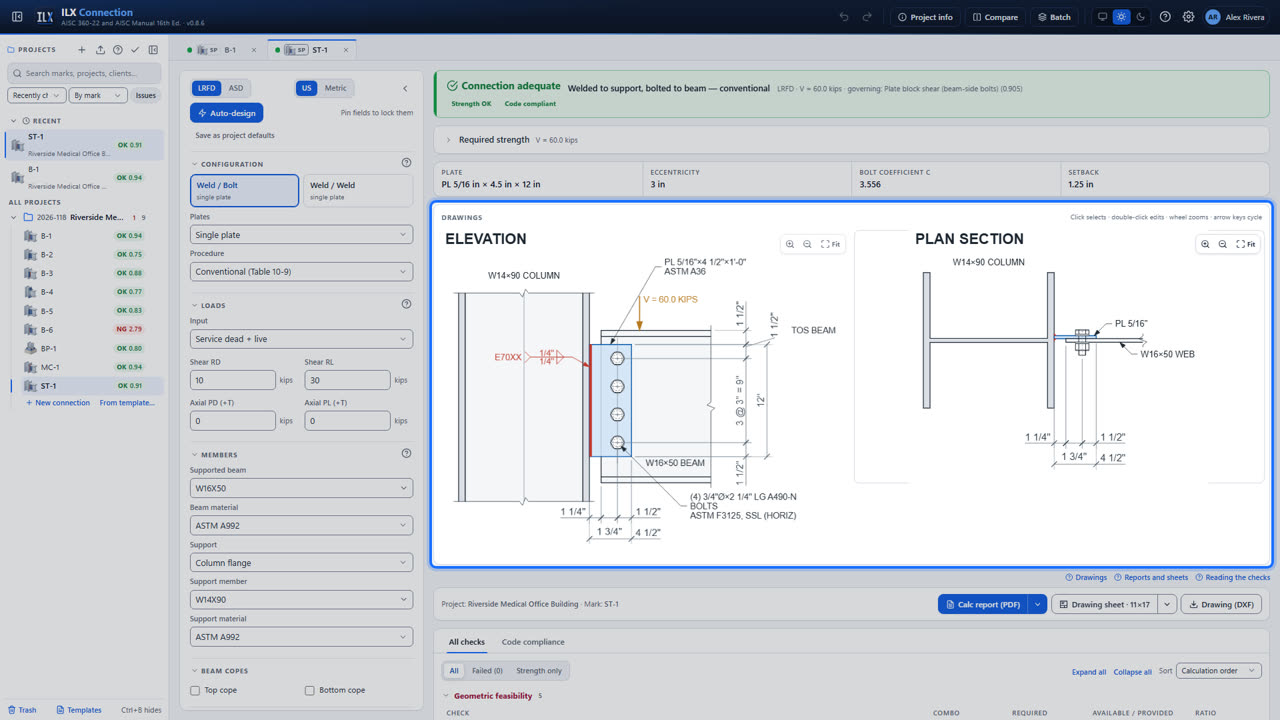
A tour of ILX Connection
Sign in, start a project, design a connection with the wizard, review the checks, and print the drawing sheet and calculation report.
-
 2:47
2:47
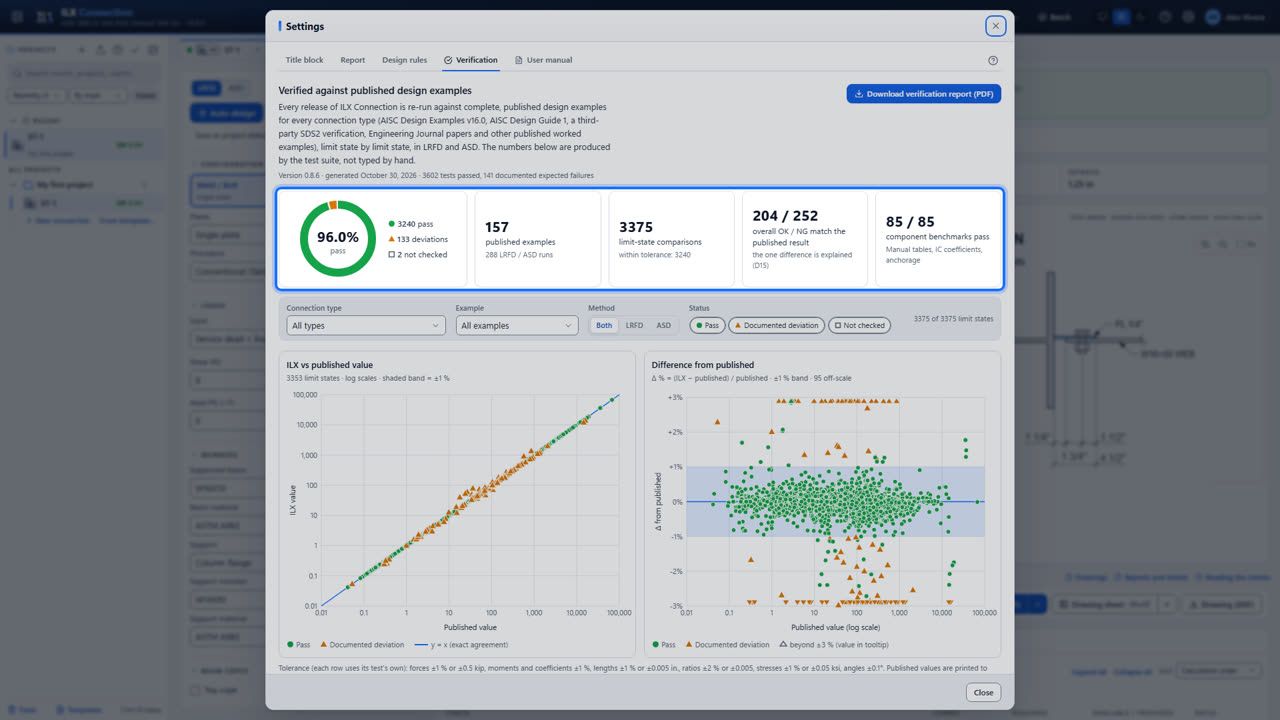
How ILX Connection is tested
Golden tests against published AISC examples, edition cross-checks, documented differences, and the automated test suite that runs before every release.
-
 1:37
1:37
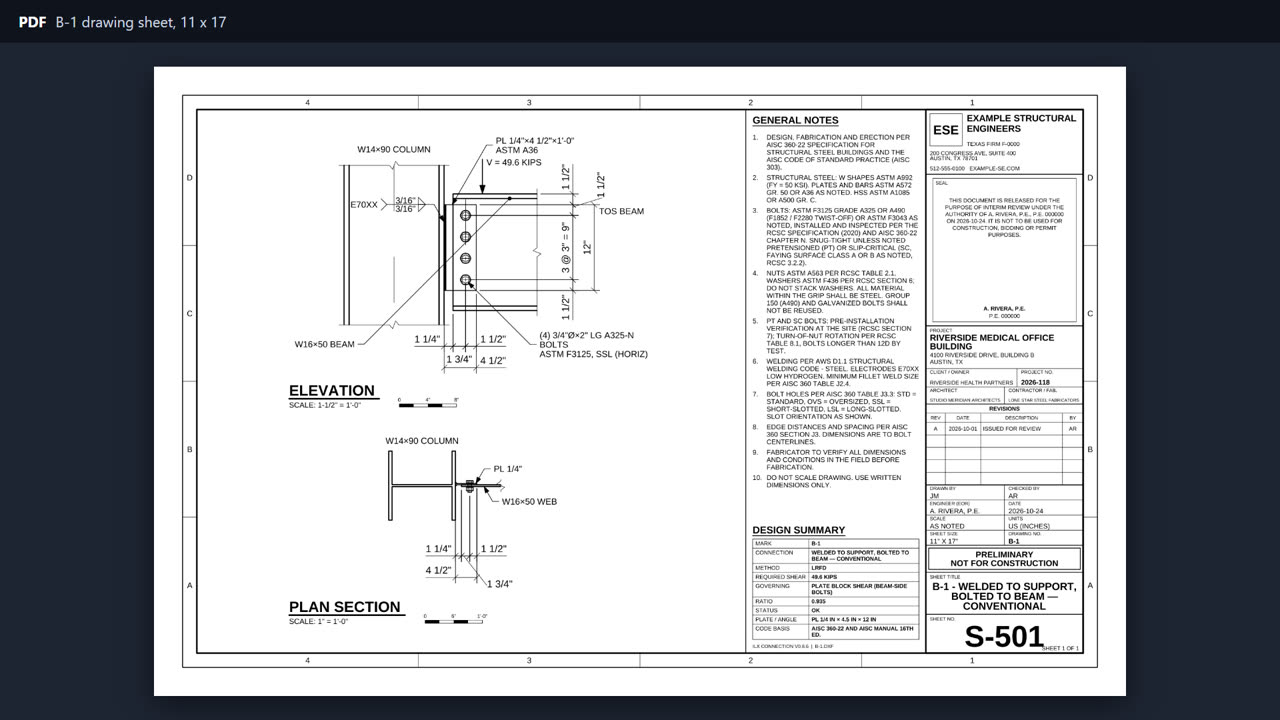
Drawings and reports
Title blocks, sheet sizes and report settings, per user and per project.
Training
Step-by-step videos for each kind of connection, with a link to the matching manual page.
-
 3:47
3:47
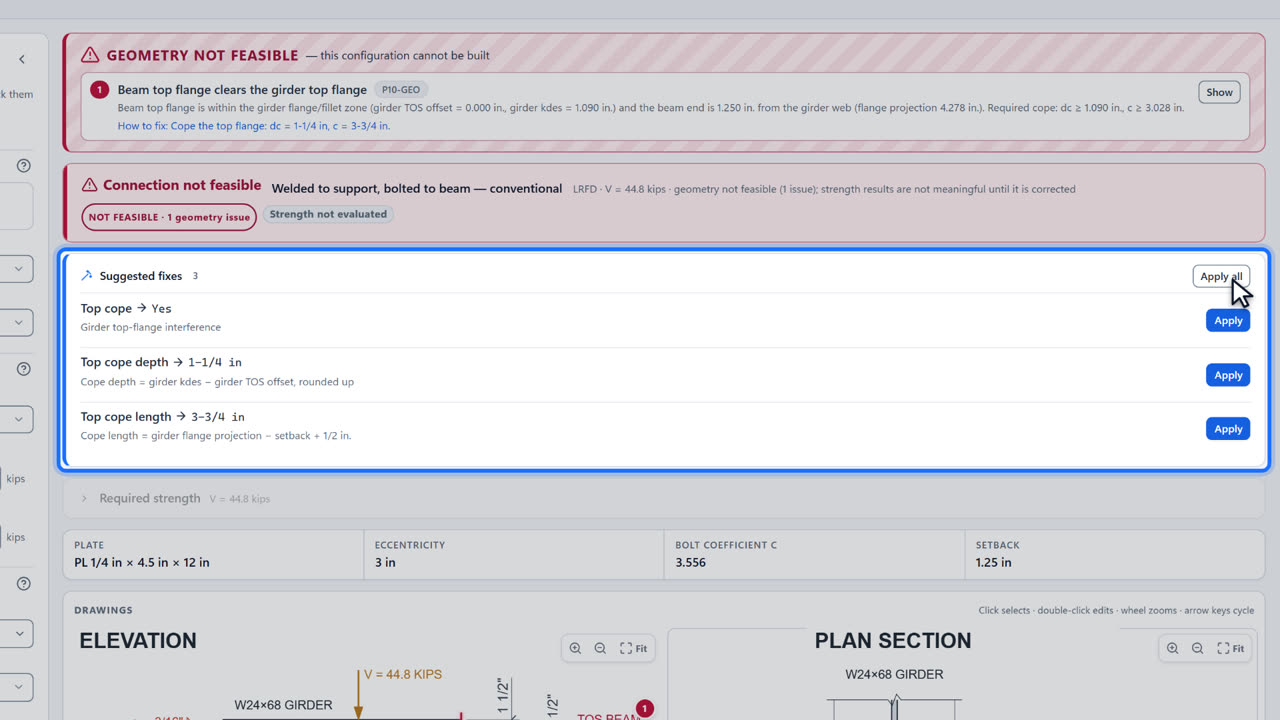
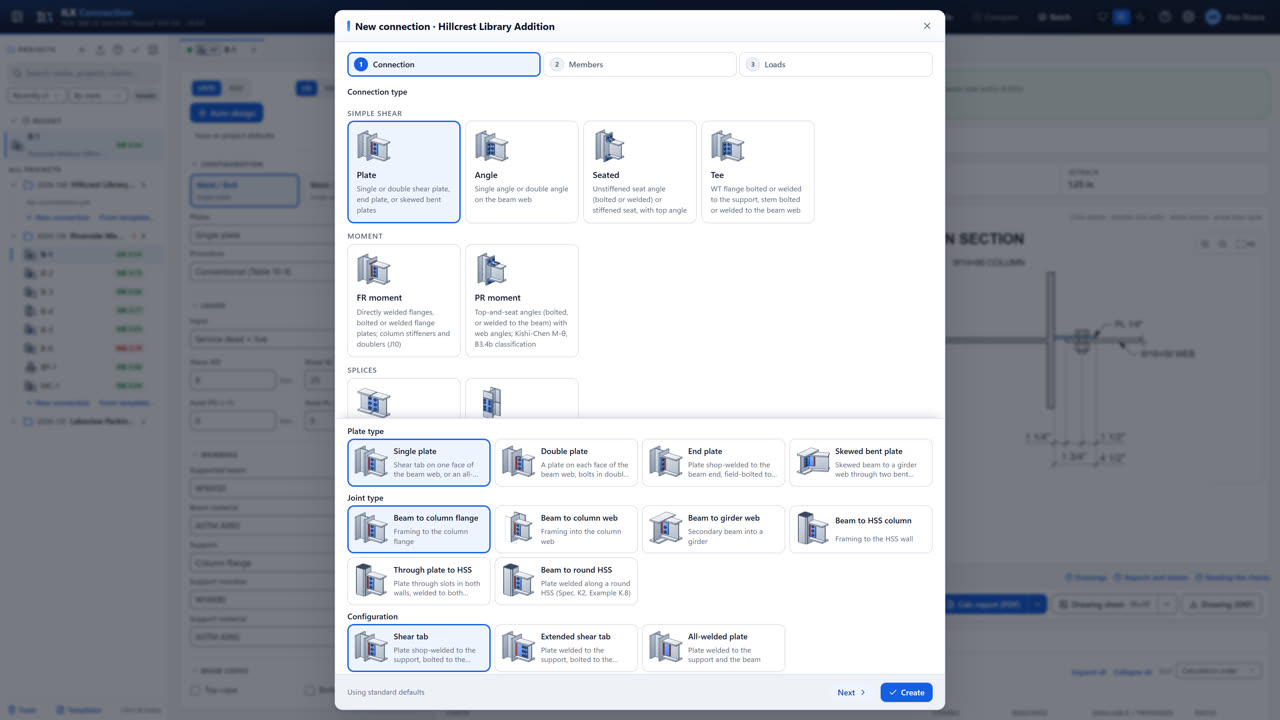
Designing simple shear connections
Plate, angle, seated and tee connections: choose the joint and configuration, enter the beam and reactions, set copes, bolts and welds, and fix a failing check.
-
 2:45
2:45
Getting started
Sign in, set up projects and files, create a connection with the wizard, switch units and design method, and see how your work is saved.
-
 3:50
3:50
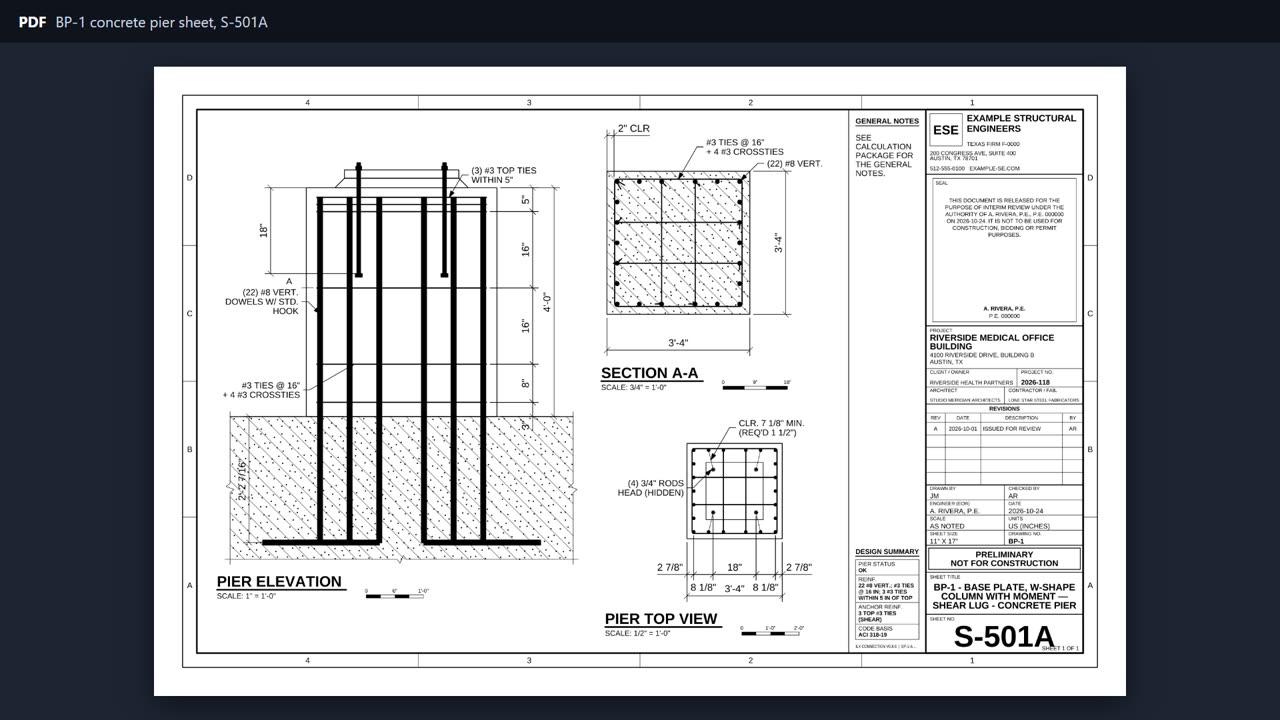
Designing column bases
Base plates with moment and biaxial moment, anchor rods, shear lugs, the concrete pier option, anchor reinforcement and seismic weak or strong bases, then embedded and braced-frame bases.
-
 3:14
3:14
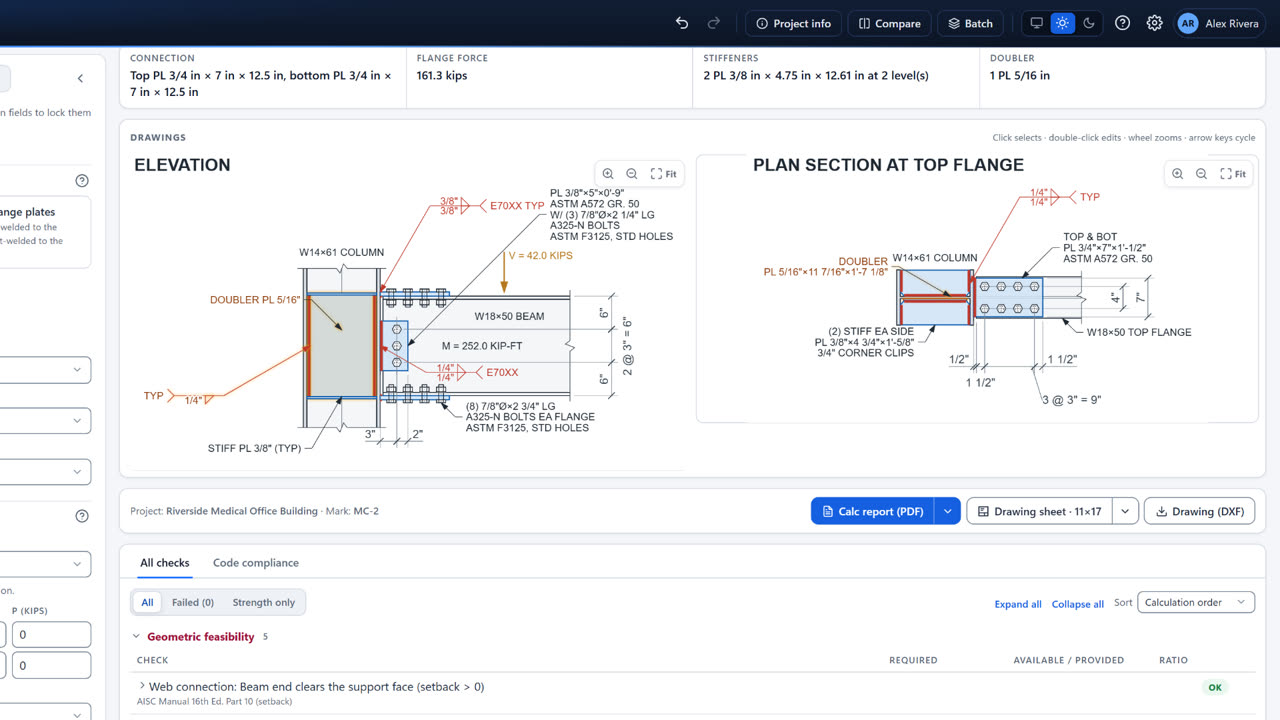
Designing moment connections
FR moment connections with flange plates or directly welded flanges, column stiffeners and doublers, and PR top-and-seat angle connections.
-
 2:17
2:17
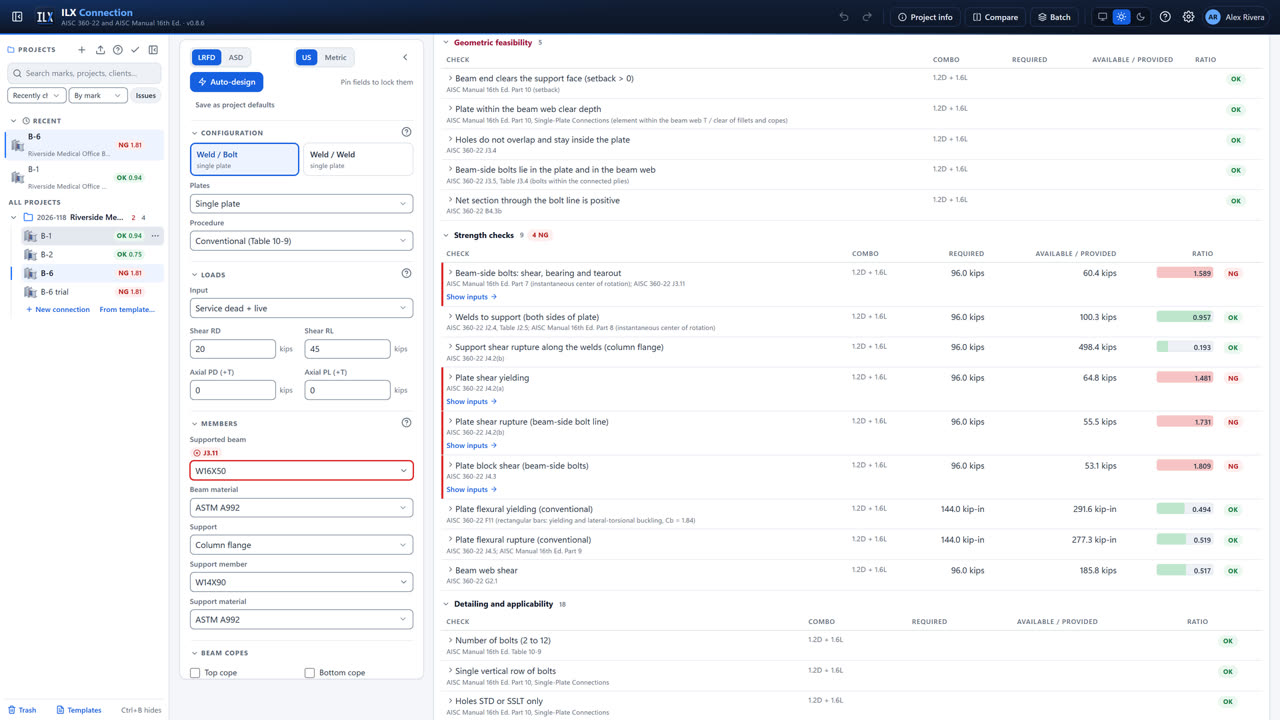
Reading the results
Read the status bar and the checks list, find what to change, use the interactive drawing, let auto-design size the connection, and compare two options.
-
 3:11
3:11
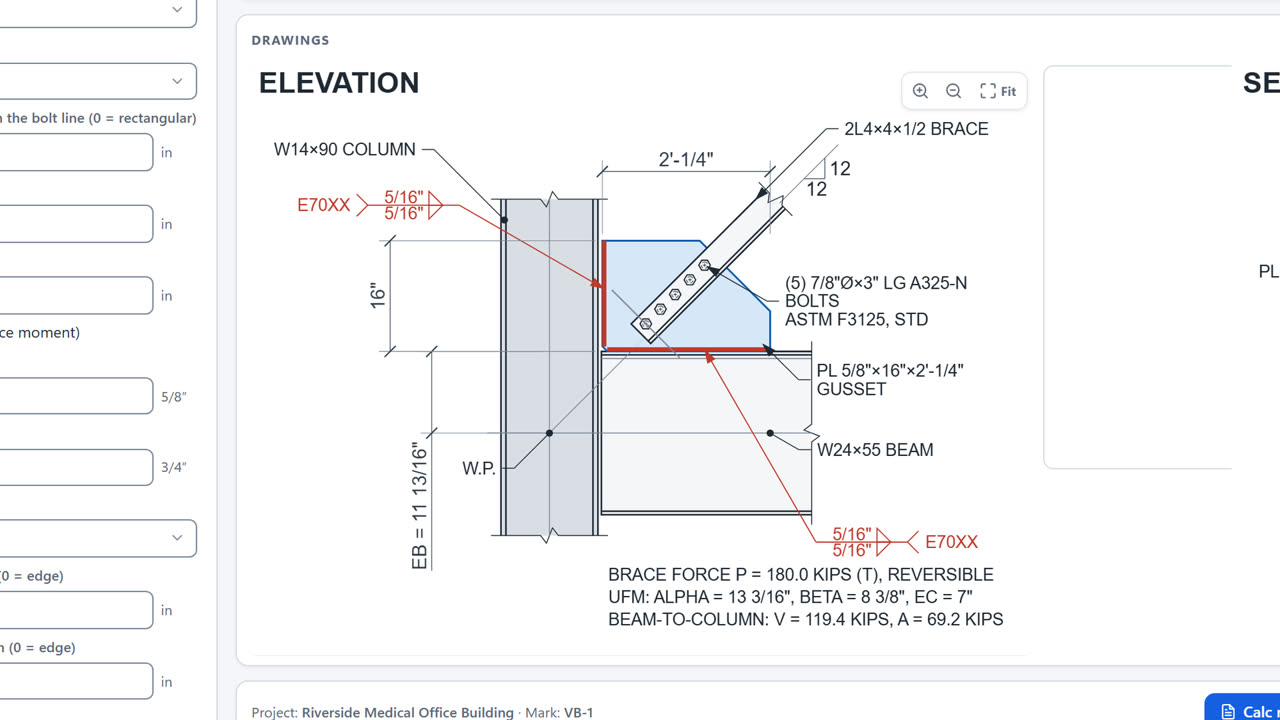
Designing vertical bracing connections
The bracing gusset by the uniform force method: brace types including W-shape braces, gusset edges, bolted gusset-to-column options, the beam-to-column connection and the SCBF mode, plus a look at truss connections.
-
 2:12
2:12
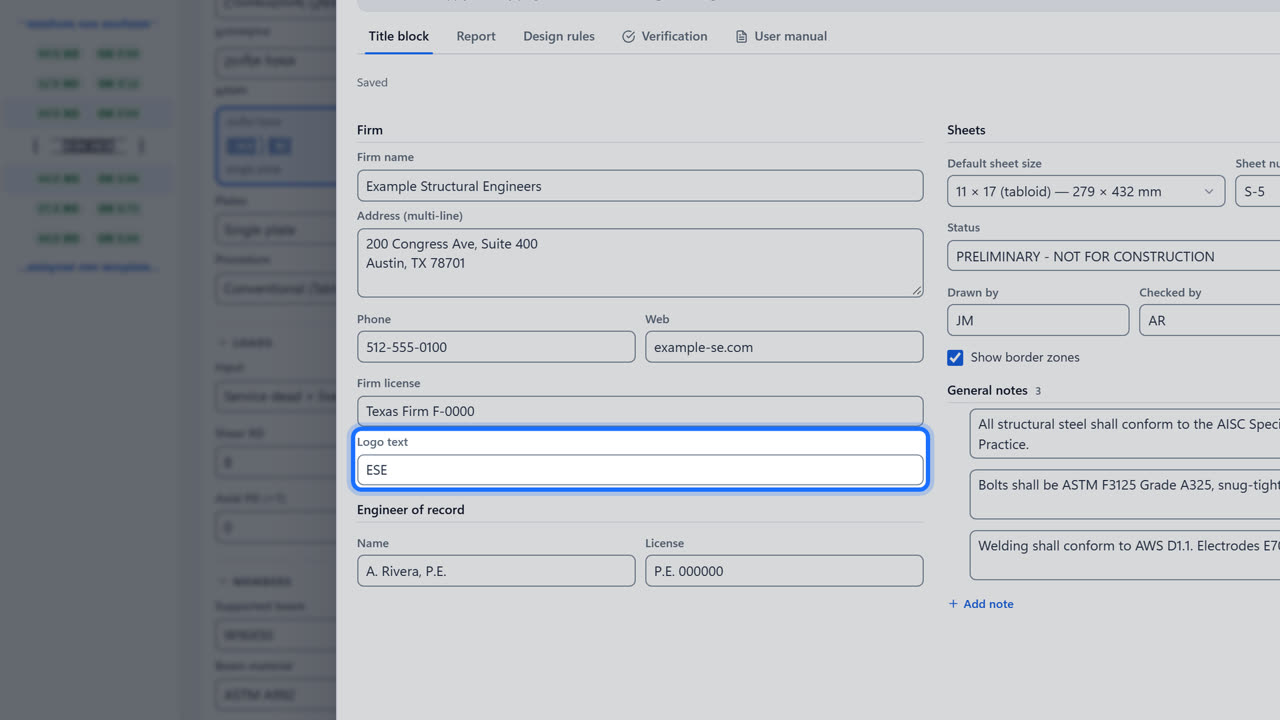
Your settings, sheets and reports
Set your title block and report once, override them for one project, and print calculation reports, drawing sheets, DXF files and whole project packages.
In depth
Longer walkthroughs: a whole project from start to finish, with chapters to jump to any step.
-
 13:53
13:53
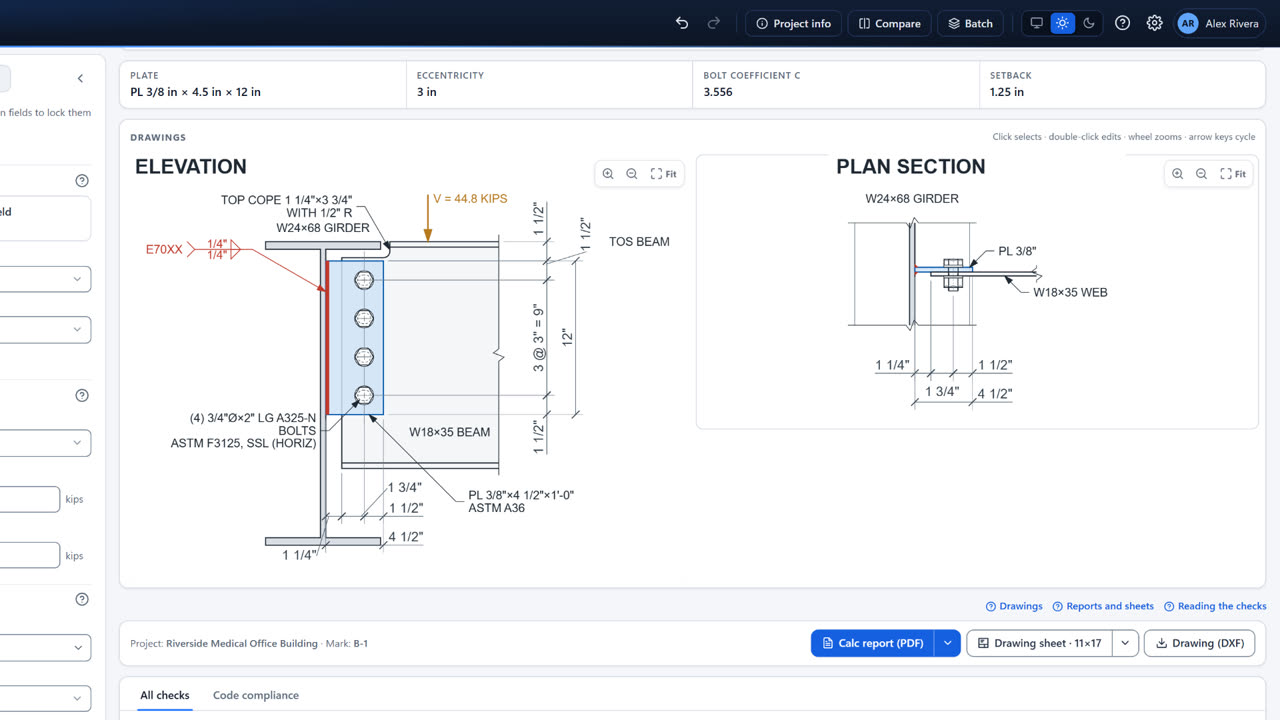
A complete project, step by step
One small project from start to finish: a single plate, a moment connection and a base plate, with every option, manual changes, deliberate mistakes, the drawing, the sheet and the report.
-
 12:28
12:28
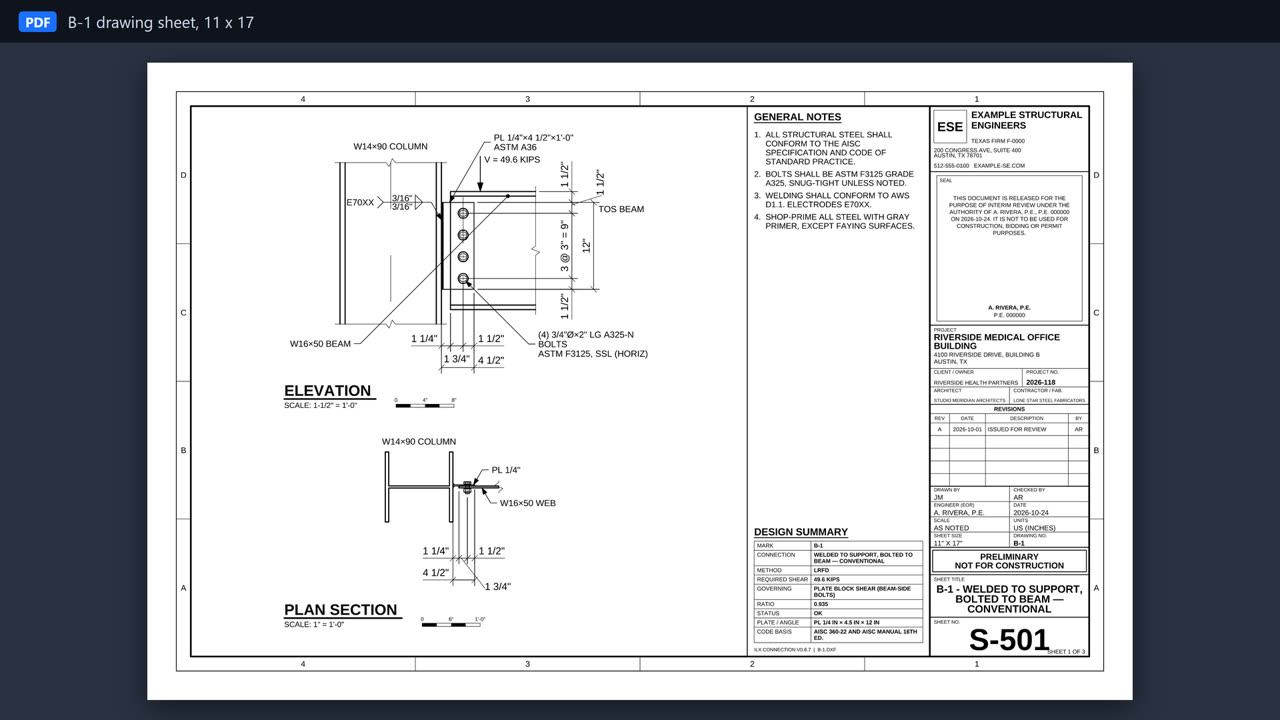
Setting up ILX Connection: preferences, reports and drawings
A slow, follow-along walkthrough: your defaults and project overrides, the title block, design rules, drawing sheets read line by line, DXF files, the calculation report and project packages.